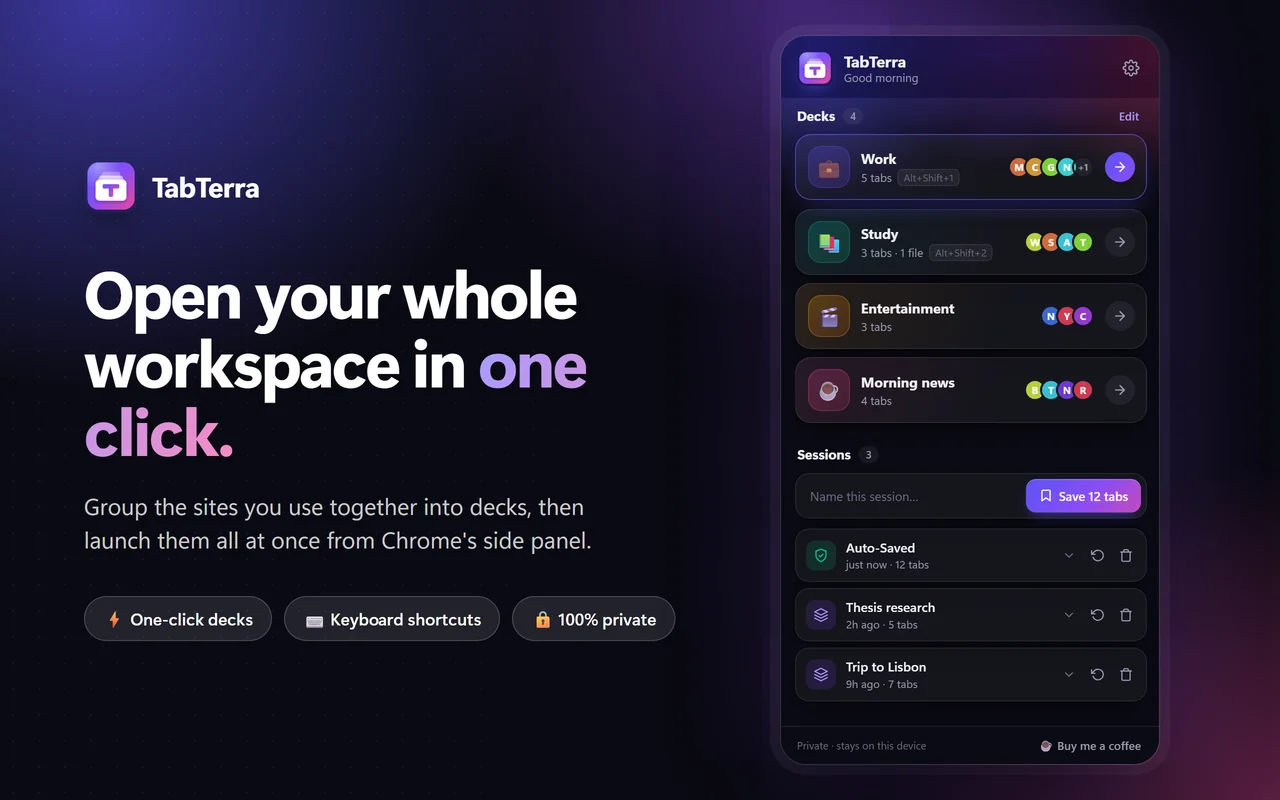
Open your whole workspace in one click
One click opens every tab you need. Create decks for work, study and play, and never lose a tab session again.
- Free
- No account
- Works in Google Chrome
- Stays on your device
Everything you need, nothing you don't
One-click decks
Group the sites you use together — Work, Study, Entertainment, anything — and open every tab in a deck at once.
Keyboard shortcuts
Alt+Shift+1 and Alt+Shift+2 launch your first decks directly. Alt+Shift+F opens the side panel.
Save sessions
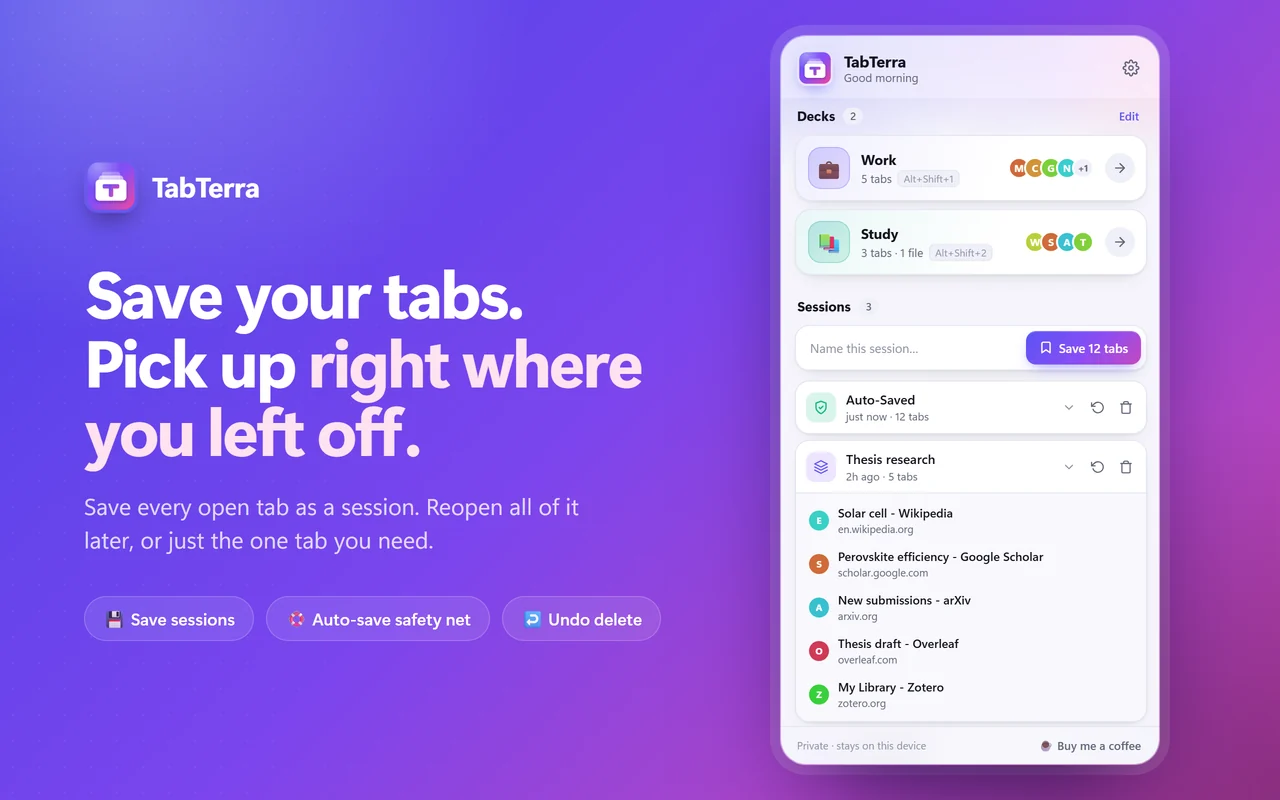
Capture every open tab across all windows, with titles, pinned state and order, and restore them later.
Auto-save safety net
Your open tabs are saved every few minutes to a rolling slot, so a crash never costs you a session.
Local files
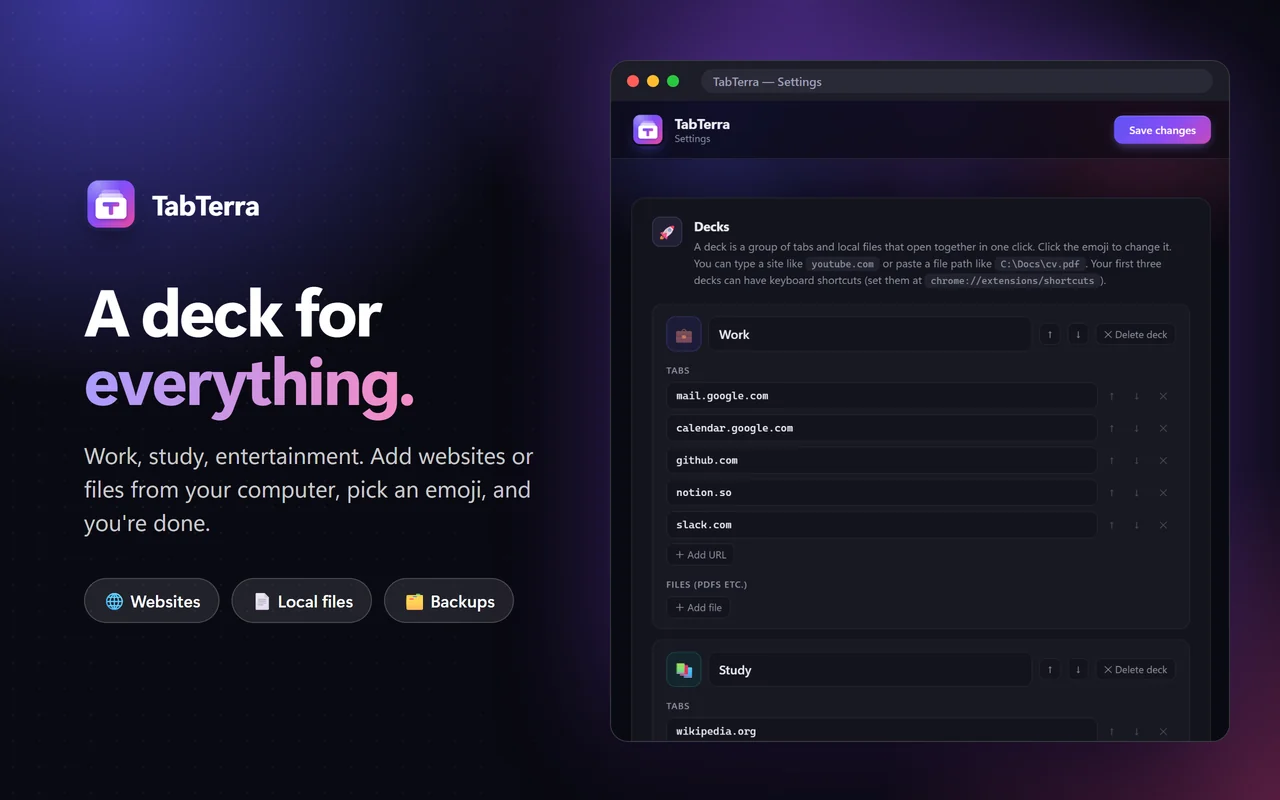
Open PDFs and other files from your computer alongside web tabs in the same deck.
Your data, your way
Export, import or hand-edit everything as plain JSON from the settings page.
Three steps to a calmer browser
- 01
Add it to Chrome
Install TabTerra from the Chrome Web Store and pin it to your toolbar.
- 02
Build your decks
Add websites or local files to a deck, pick an emoji, and save. A sample deck is included to start from.
- 03
Launch in one click
Open the side panel and click a deck — or press its shortcut — and every tab opens at once.
Private by design
Everything stays on your computer, in Chrome's local extension storage. No account, no server, no analytics, no tracking. Remove the extension and all its data is deleted.
- tabs
- Open the tabs in your decks, and read open tabs' URLs and titles when you save a session.
- storage
- Keep your decks, sessions and settings on your own computer.
- alarms
- Run the optional auto-save on a timer.
- sidePanel
- Show TabTerra in Chrome's side panel, next to the page you're working on.