
Two languages. Live. On any video.
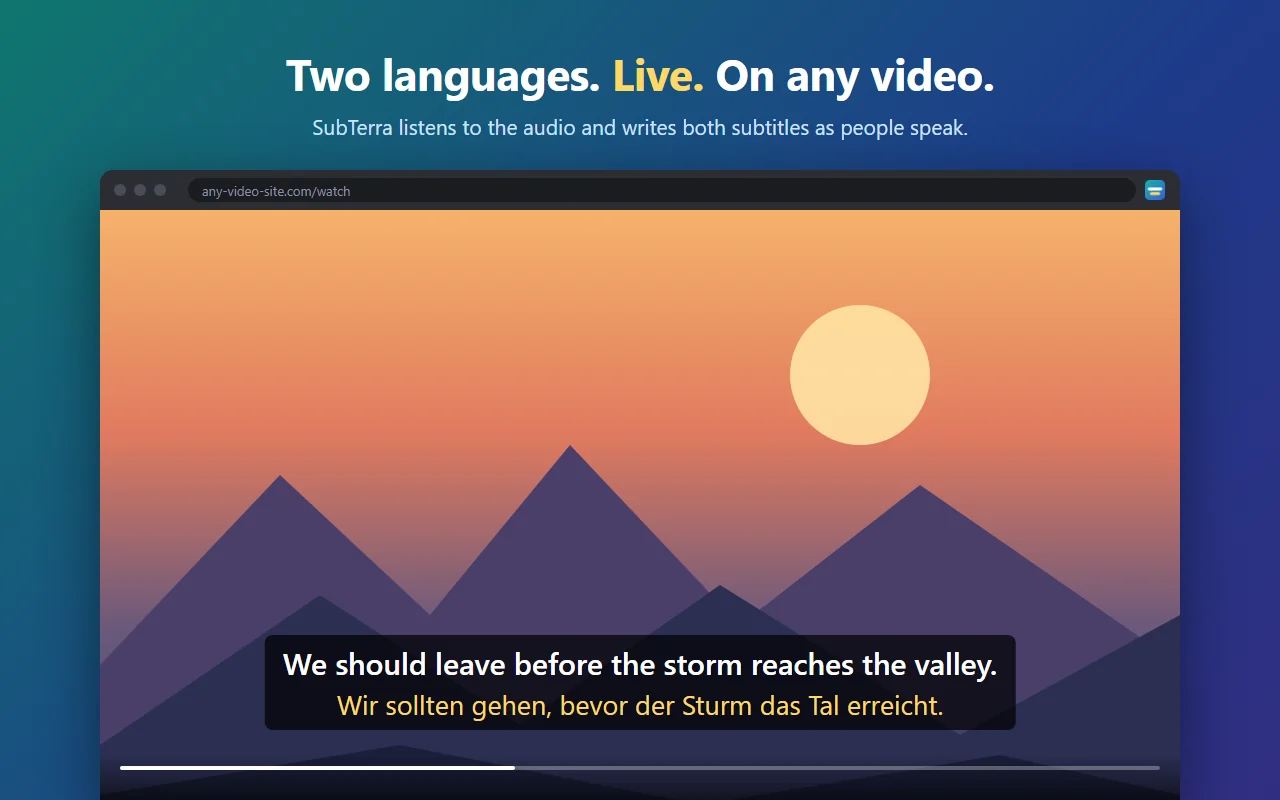
SubTerra puts two subtitle lines on any video, live: the language being spoken on top, and your chosen language underneath. Hover to pause, and click any word to see what it means.
- Free
- Works offline
- No account
- 15 spoken · 26 subtitle languages
Subtitles that teach, not just translate
Dual subtitles
The spoken language and your second language, one above the other — made live from the audio as people speak.
Works without captions
It listens to the video's sound instead of the site's captions, so it works on videos that have no subtitles at all.
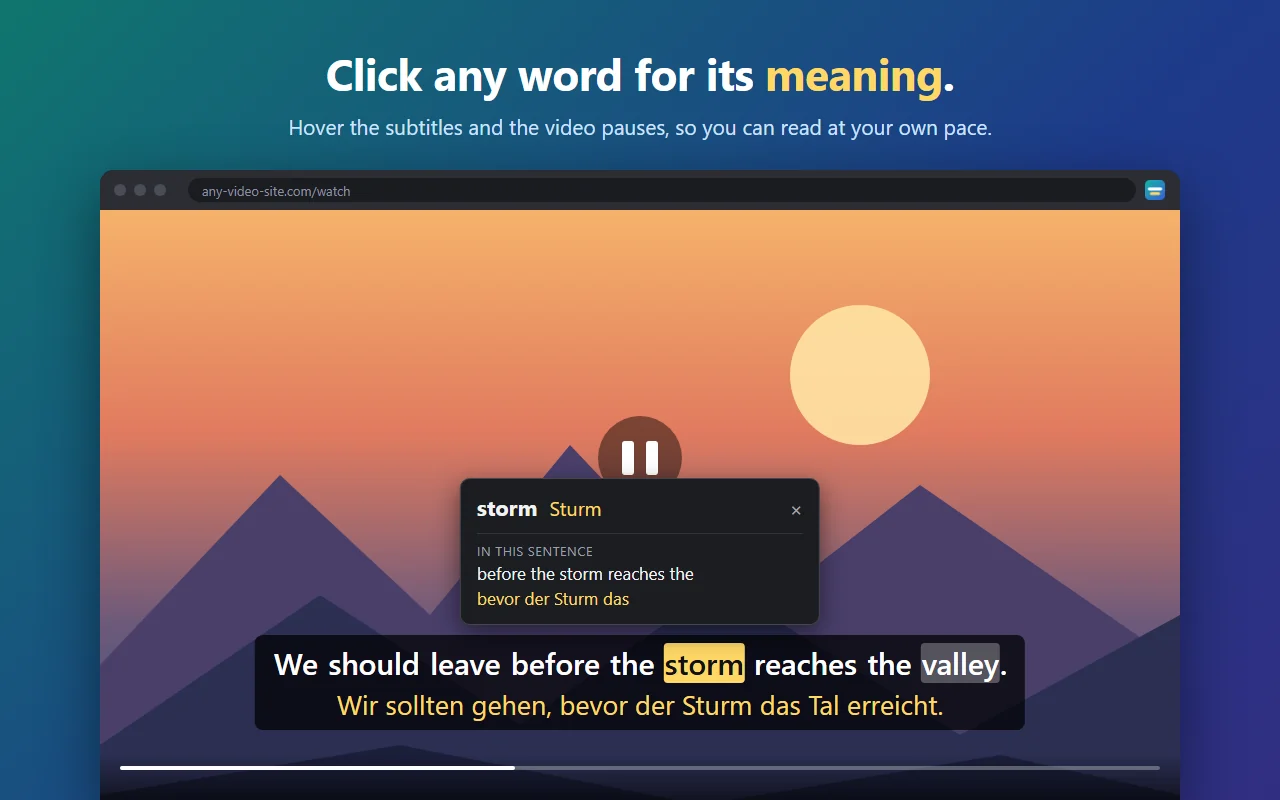
Click any word
See a word's translation and what it means in that sentence, right on top of the video.
Hover to pause
The video pauses while you read and plays again when you move away. Subtitles stay on screen while paused.
Most video sites
Works on most video sites, including embedded players and fullscreen.
Your size, your spot
Adjust the text size and how high the subtitles sit above the bottom of the video.
Start in three clicks
- 01
Open a video
Play any video in Chrome and click the SubTerra icon in the toolbar.
- 02
Pick two languages
Choose the spoken language and the language you want underneath it.
- 03
Start subtitles
The first start downloads the language packs once. Keep the popup open until it says “Running”.
Needs Chrome 139 or newer on Windows, macOS or Linux. Which languages run offline depends on your device; SubTerra tells you if one can't. Subtitles appear a second or two after the speech and can contain mistakes with music, noise or very fast dialogue.
Offline by default
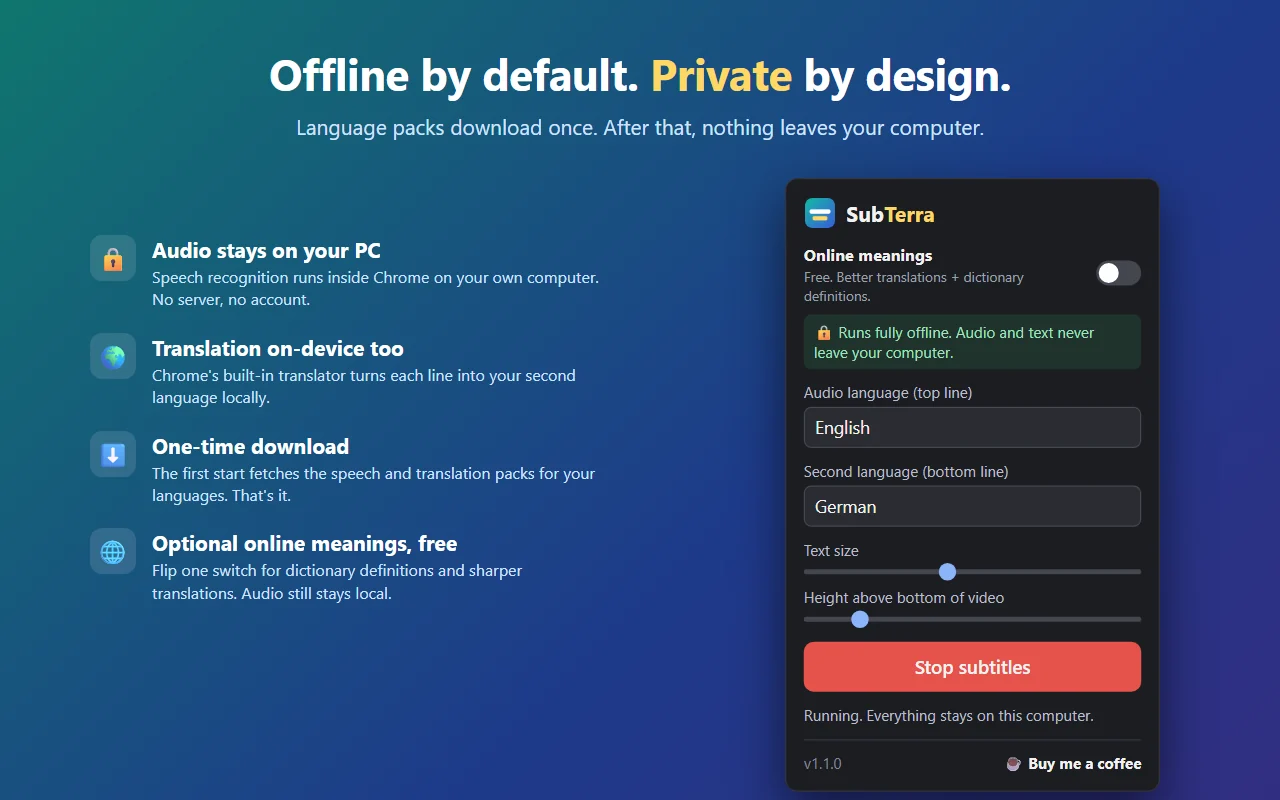
Speech recognition and translation use Chrome's built-in, on-device models. After the one-time language download, the audio, the subtitles and the words you click never leave your computer. No account, no server, no tracking.
- Audio
- Processed on your computer only. It is never sent anywhere — even with Online meanings on.
- Online meanings (optional)
- A switch in the popup. When on, subtitle lines and clicked words go to Google Translate and Wiktionary for sharper translations and definitions. Free, no account.
- Settings
- Languages, text size and position are stored locally in Chrome.